

Today’s production release brings a solid set of improvements focused on flexibility, editorial control, and everyday usability. This update adds new voice options, extends animation behavior, improves the title slide, and introduces several workflow and UX enhancements requested directly by newsrooms.
Here’s what’s new.
More Text-to-Speech Options: Amazon Polly and Microsoft Azure
Until now, Flipatic supported voice-overs generated with ElevenLabs. Starting today, publishers can also use voices from Amazon Polly and Microsoft Azure.
This gives editorial teams more choice in terms of voice character, language coverage, and tone - making it easier to match narration style to brand, market, or content type.
A More Flexible Title Slide (with Overlay Support)
The title slide received a new layout and additional configuration options.
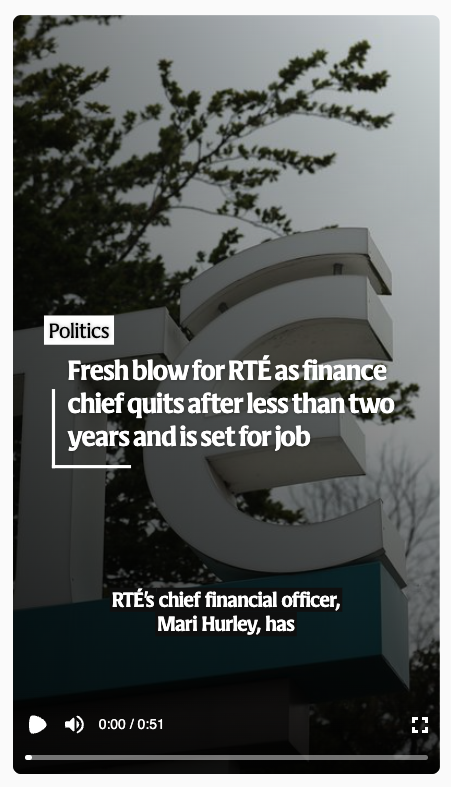
You can now add an overlay directly on the title slide. The layout itself became more flexible and automatically adapts when multiple elements are present - such as overlay, title, and captions - regardless of their length.
An important addition requested by newsrooms is the option to completely hide the title. When the “Hide title” option is enabled, the title will not be displayed in the video at all, allowing for cleaner or more visual-driven openings.
New “Comments” Field for Editorial Notes and Reporting
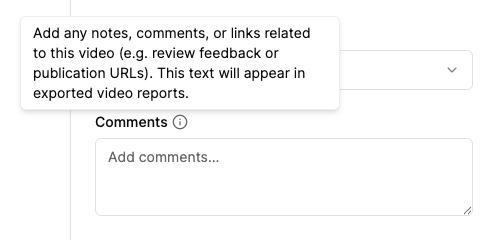
Video settings now include an optional Comments field.
Editors can use it for internal notes, links to social media posts where the video was published, review feedback, or any other context relevant to the video. Importantly, the content of this field is also included in CSV reports.
When exporting a CSV report for a selected time period, the Comments column will be present - making it useful for reporting, tracking distribution, or internal workflows.
Focal Point Now Works with Zoom-Out Animations
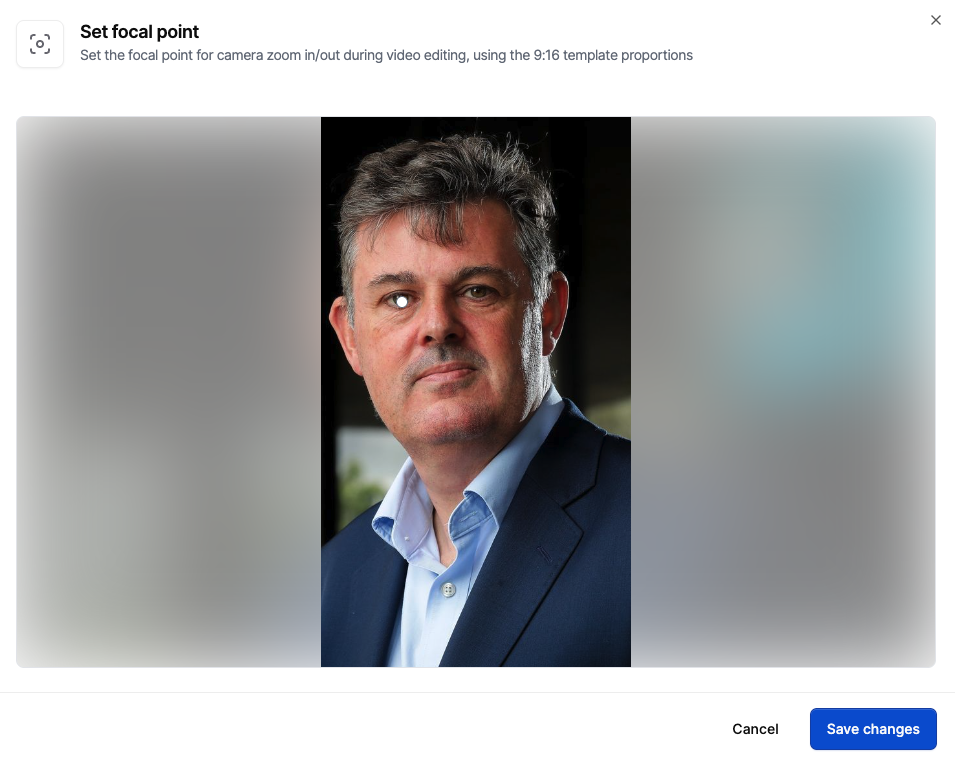
The focal point feature has been extended.
In addition to zoom-in animations, you can now define a focal point for zoom-out animations as well. This allows you to keep an important element - for example, a face or a key visual detail - anchored in a stable position on screen, even while the camera zooms out.
This gives editors more precise control over motion and visual emphasis.
Clearer MP4 Download Experience
We improved the user experience of downloading MP4 files.
A loader has been added to the download process, making it clear that the file is being prepared and that something is actively happening while you wait. This removes ambiguity and improves confidence during export.
Performance and Stability Improvements
We fixed a bug related to loading too many videos in the listing view, improving performance and stability when working with larger libraries.
Growing Coverage
With this release, Flipatic now supports 34 titles across 9 languages, and we’re continuing to expand.
Main image by Kelly