
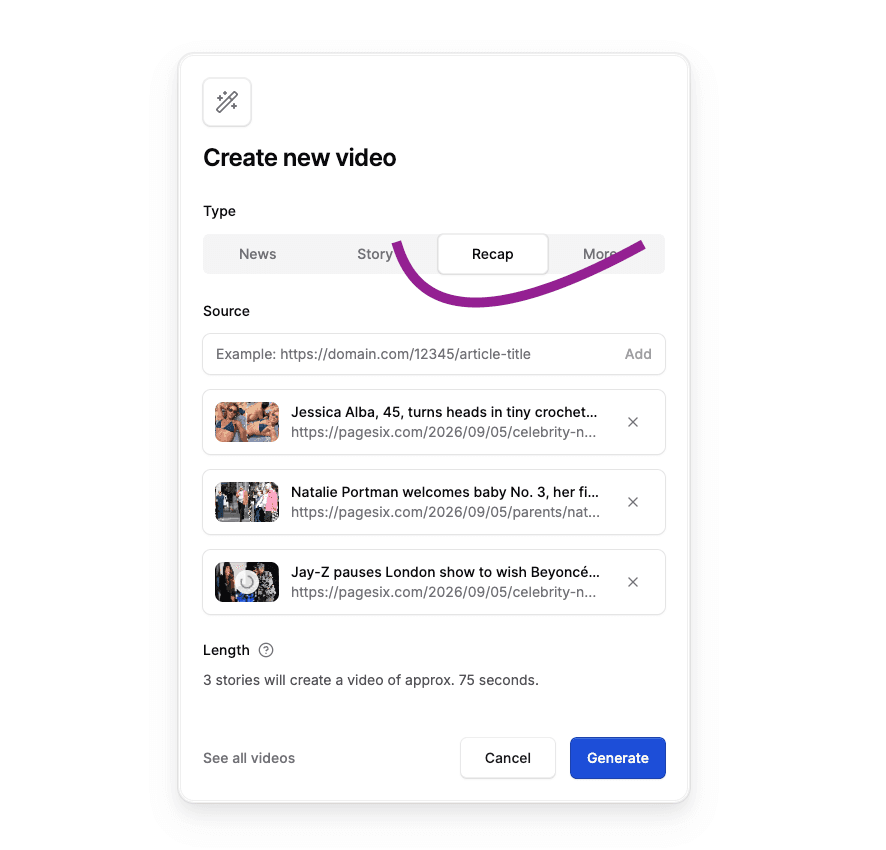
Until now, every video created in Flipatic started with a single article. With our new Recap video type, you can bring several articles together and turn them into one short video.
This opens up a new group of editorial formats: a daily news roundup, a weekend sports review, the latest stories from a particular section, or a quick overview of everything happening around one topic.
Instead of producing and publishing several separate videos, editors can package the most important stories into a single, easy-to-watch update.
See an example video: https://www.youtube.com/shorts/iCiEIkZSwOE
How Recap works
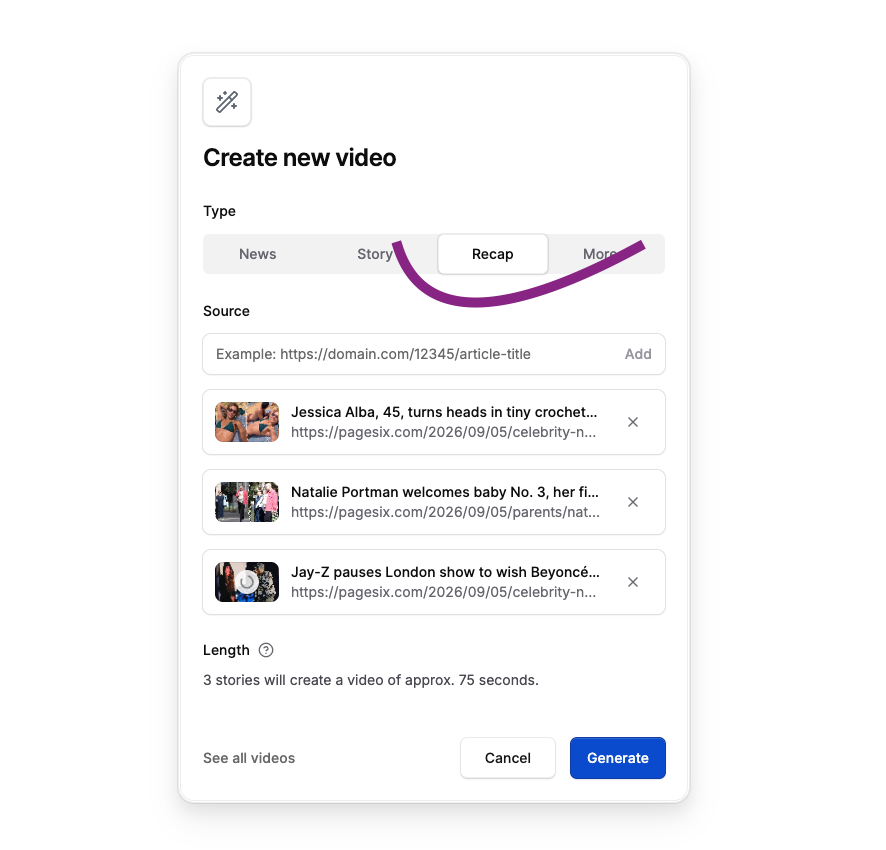
When creating a new video, select Recap as the video type and add the articles you want to include.
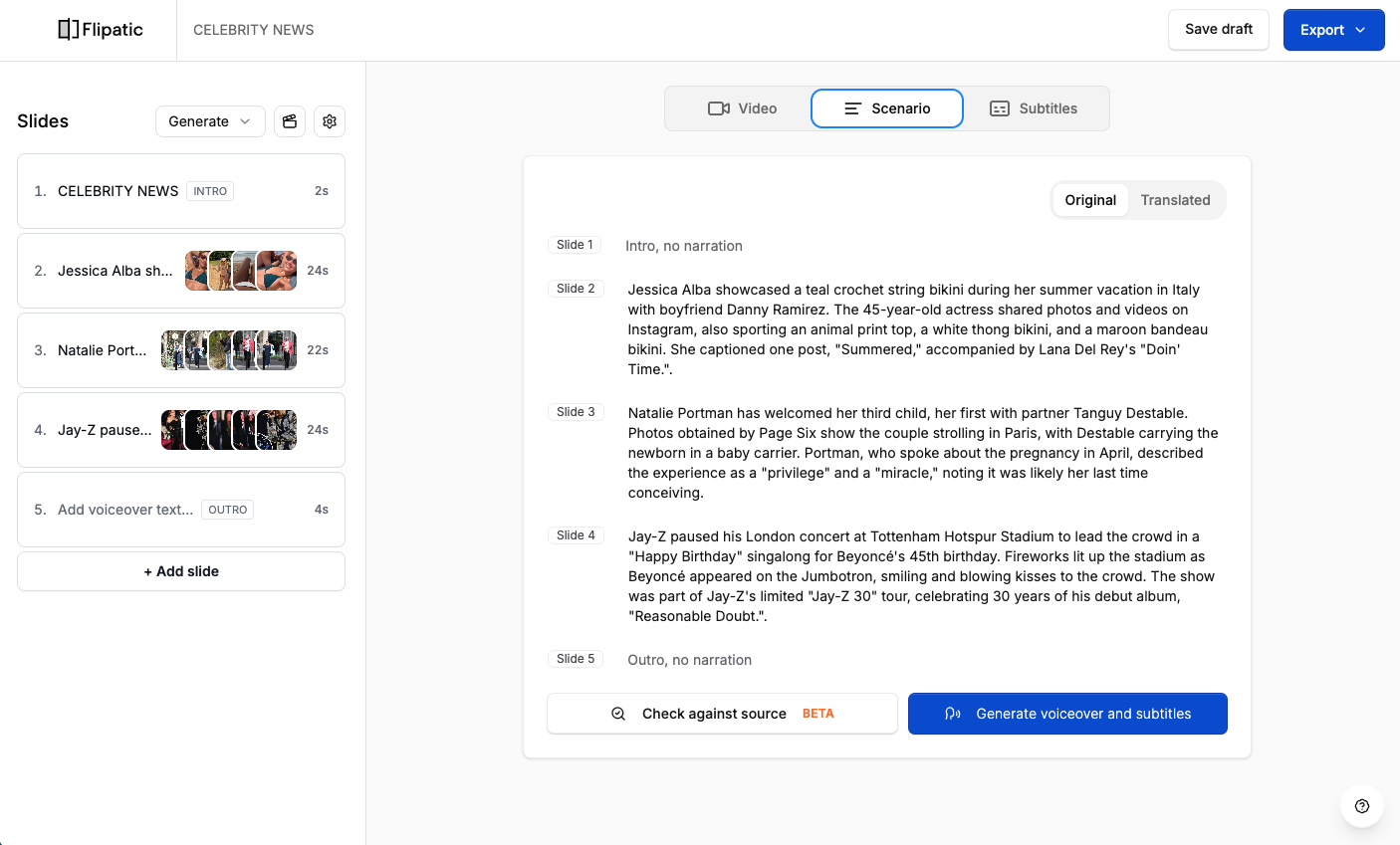
Flipatic creates a separate story from each source and places them in sequence. An intro can introduce the whole recap, while an optional outro can direct viewers to your website or another destination.
Just like with other Flipatic video types, editors stay in control of the result. They can review the text, change the order of stories, adjust the visuals and edit individual slides before exporting the video.
One format, many possible uses
Recap can support both regular publishing routines and one-off editorial ideas. For example:
- Daily News with the most important stories of the day
- Morning Update published before readers start their day
- Weekend Sports Review covering several matches or events
- Top Stories from a selected section
- Everything you need to know about… combining several articles around one topic, event or person
A recap can contain only a few stories and stay under a minute, or offer a broader overview when the subject calls for it.
This gives publishers something close to a short news bulletin, without needing a traditional video production team for every edition.
Make the format your own
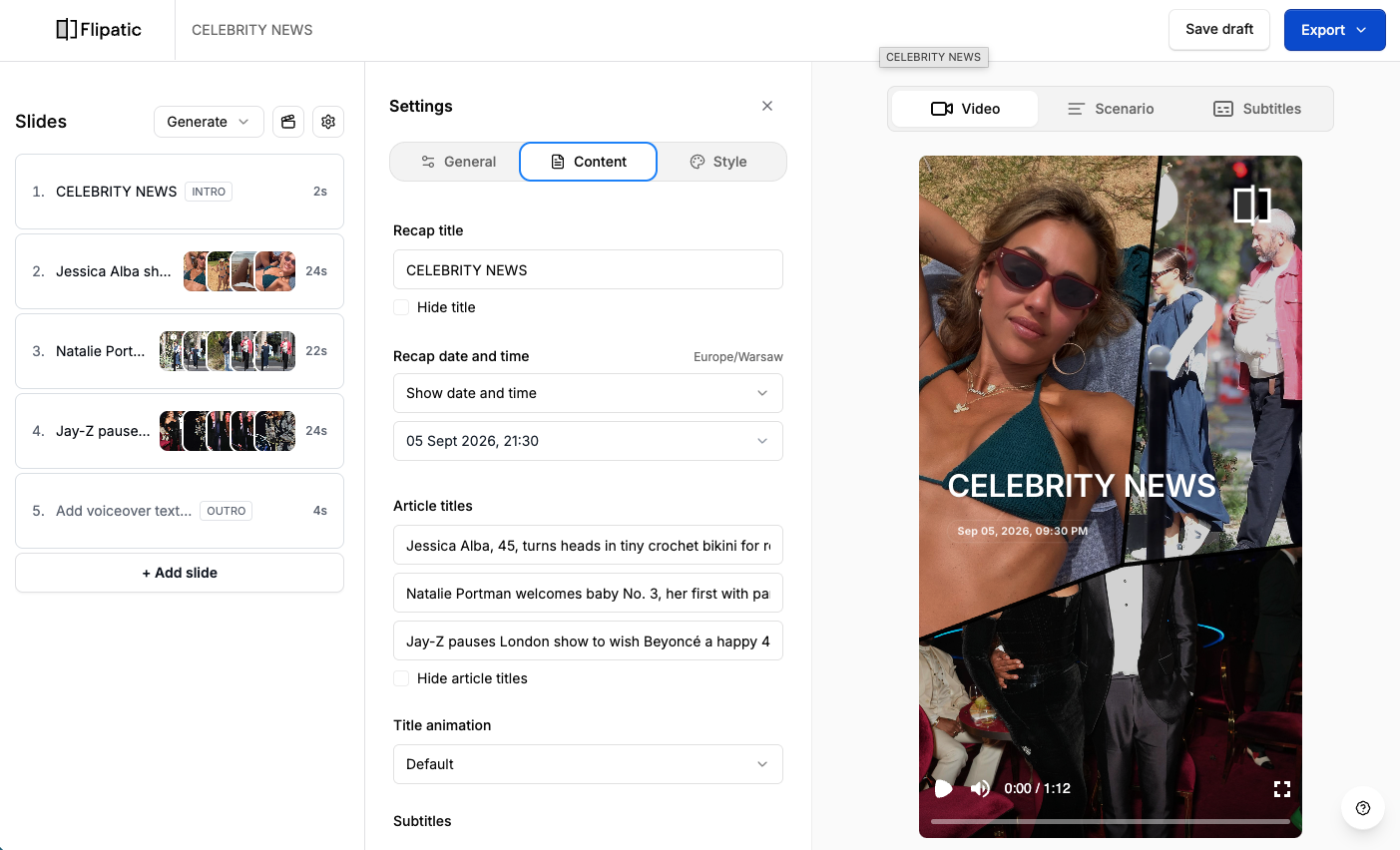
Publishers can adapt Recap to the style and purpose of a particular series.
You can:
- add a title for the entire recap
- show or hide its date and time
- show or hide individual article headlines
- customize the appearance of the intro
- add an optional outro with CTA text
- use voice-over, subtitles, overlays and other existing Flipatic settings
This makes it possible to create a recognizable format that can return every morning, every evening or after a major event.
A new way to package existing journalism
Recap does more than place several articles in one file. It helps editors give existing coverage a new structure.
Stories published throughout the day can become an evening update. Several reports from a sporting weekend can become one review. A developing topic covered across multiple articles can become a concise explainer.
The original reporting remains the foundation. Flipatic helps the newsroom select, shorten and package it for audiences who prefer to catch up through short video.
Recap is now available in Flipatic. Select it when creating your next video and see which recurring format could work for your newsroom.