
We have just released a new set of improvements in Flipatic, focused on making everyday video creation faster, safer and easier for editorial teams.
This update includes several features requested by publishers already using Flipatic in their newsroom workflows: Microsoft and Google login, support for multiple video templates, more visual control over slides, better teaser editing, improved pronunciation handling and support for embedding Truth Social posts.
Microsoft and Google login for editorial teams
Publishers that already work with Microsoft or Google accounts can now use them to log in to Flipatic.
This makes access simpler for newsroom teams and better aligned with the systems they already use every day. Editors no longer need a separate login flow when their organisation uses Microsoft or Google as the main identity provider.
It is a small change from the user’s perspective, but an important one for larger editorial teams where access, security and account management matter.
New Publisher Admin role for newsroom user management
We have also added a new user role in the Flipatic CMS: Publisher Admin.
This role allows selected users on the publisher’s side to manage access for their own newsroom. They can add users, remove users and edit user-related settings without needing to contact the Flipatic team for every operational change.
This becomes especially important for larger editorial teams. Some newsrooms using Flipatic already have more than 200 users, so day-to-day user management is much easier when it can happen directly on the publisher’s side.
For publishers, this means more independence, faster onboarding and better control over who has access to Flipatic within their organisation.
More than one video template per publisher
Until now, one website in Flipatic was connected to one video template.
That worked well for many publishers, but we started seeing a clear need for more flexibility. Some editorial teams want different visual styles for different formats, brands, sections or use cases.
With this release, publishers can now use more than one video template and switch between them in the video settings.
This gives teams more control over the final look of their videos without creating additional production work.
Grayscale filter for sensitive stories
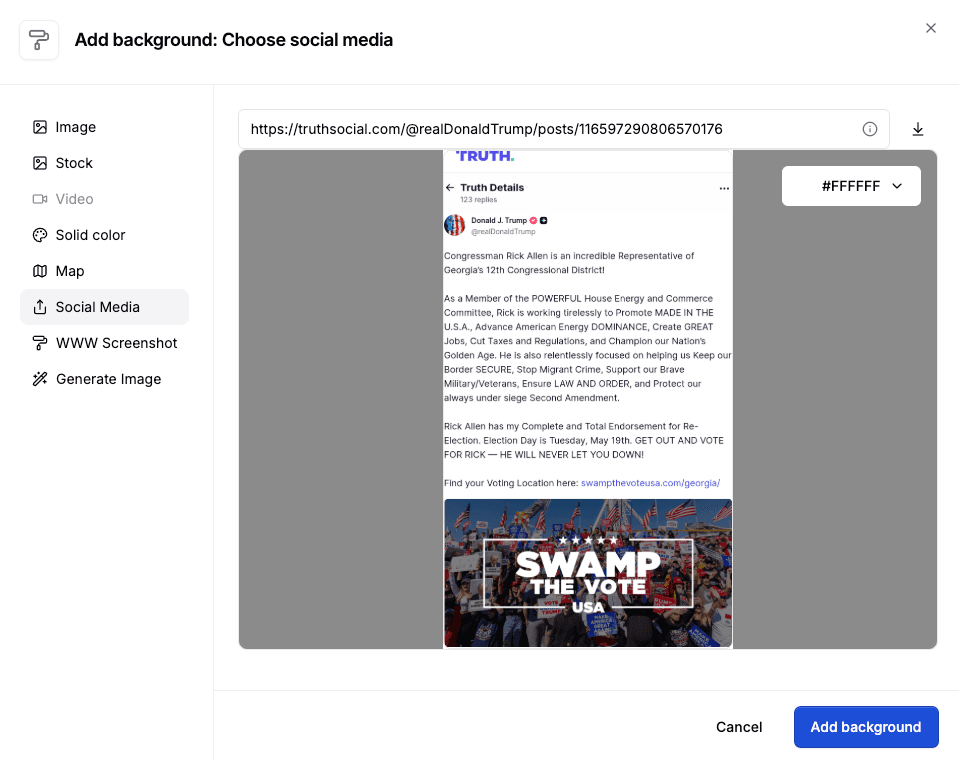
We have added a grayscale filter for images and videos.
With one click, editors can desaturate a visual background and remove colour from a photo or video. This is especially useful in sensitive news stories, for example when the article concerns someone’s death, a tragedy or another serious event where a more restrained visual tone is needed.
The goal is simple: give editors quick visual control without forcing them to leave the video editor or prepare separate assets.
More control over text overlays
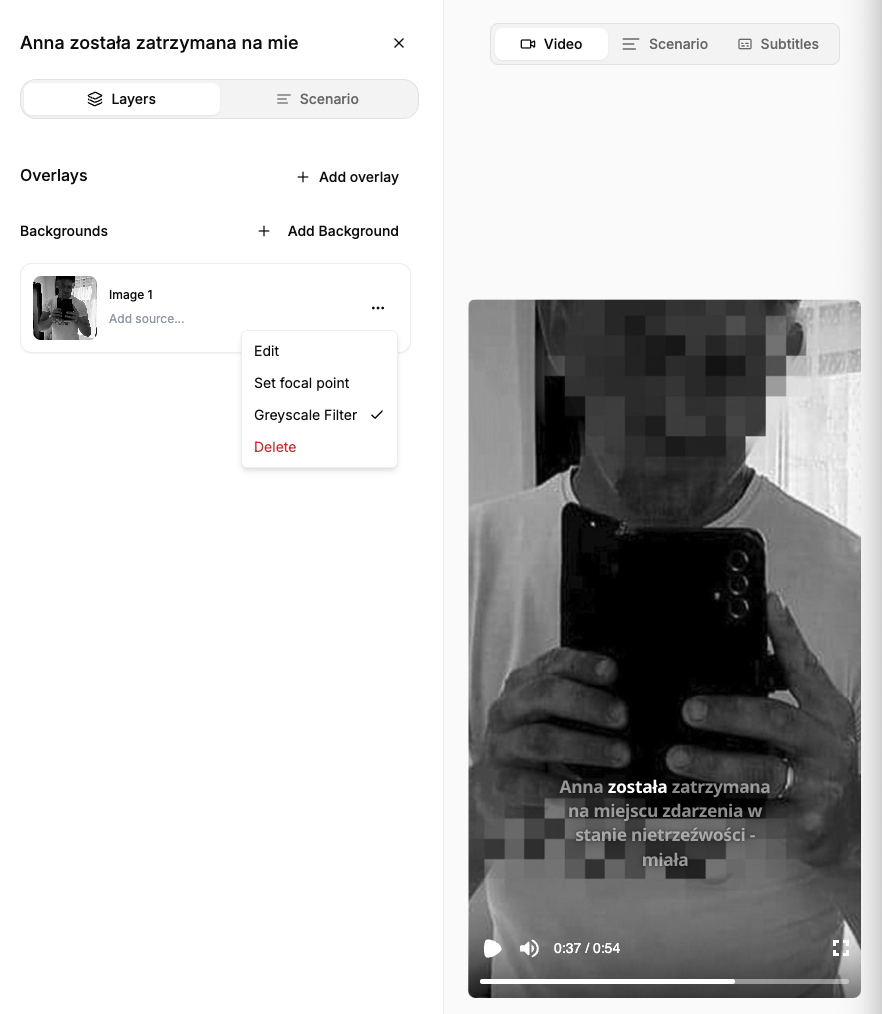
We recently introduced the option to change the position of text overlays on slides. Now we are extending this with colour controls.
Editors can now adjust both the overlay background colour and the text colour.
This makes it easier to adapt videos to different templates, improve readability and fine-tune the visual style of individual slides.
Improved editing of teaser slides
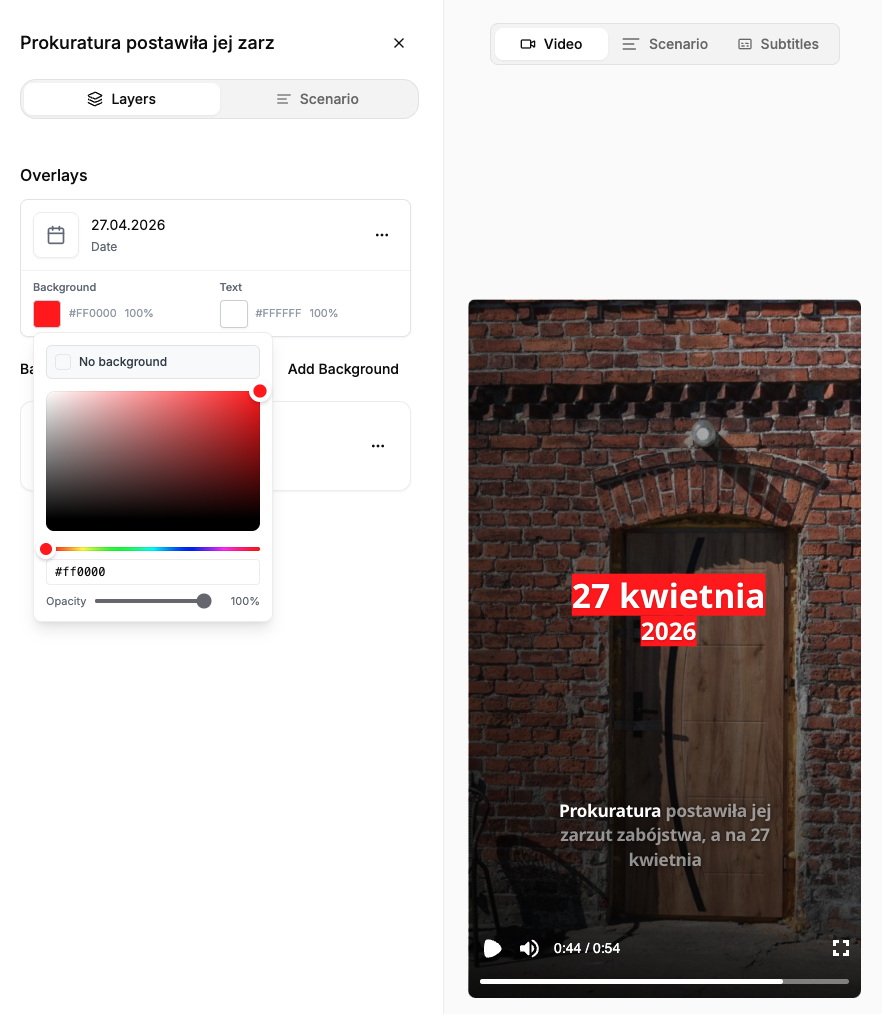
We have also made several improvements to the final slide in teaser videos.
This slide usually combines a few elements: a “Read more” section, bullet points describing what the reader will find in the full article, and a final message such as “Link in comments”.
Some users reported that managing the text and script in this part of the video was not intuitive enough.
We have now improved this flow, making the teaser slide much easier to edit and control.
Better pronunciation support for fractions and URLs
We have improved how Flipatic handles pronunciation guidance for fractions and URLs.
For fractions, pronunciation hints now apply to the whole number, not just a selected digit. For example, when working with a number like "4,7", editors can now provide pronunciation guidance for the full expression more reliably.
We have also improved pronunciation handling for URLs such as gazeta.pl or bbc.com. Editors can still add custom pronunciation hints when needed, but the system now handles common URL patterns better by default.
In practice, this should reduce the number of manual corrections needed in the voice-over script and make generated narration sound more natural.
Truth Social embeds as video backgrounds
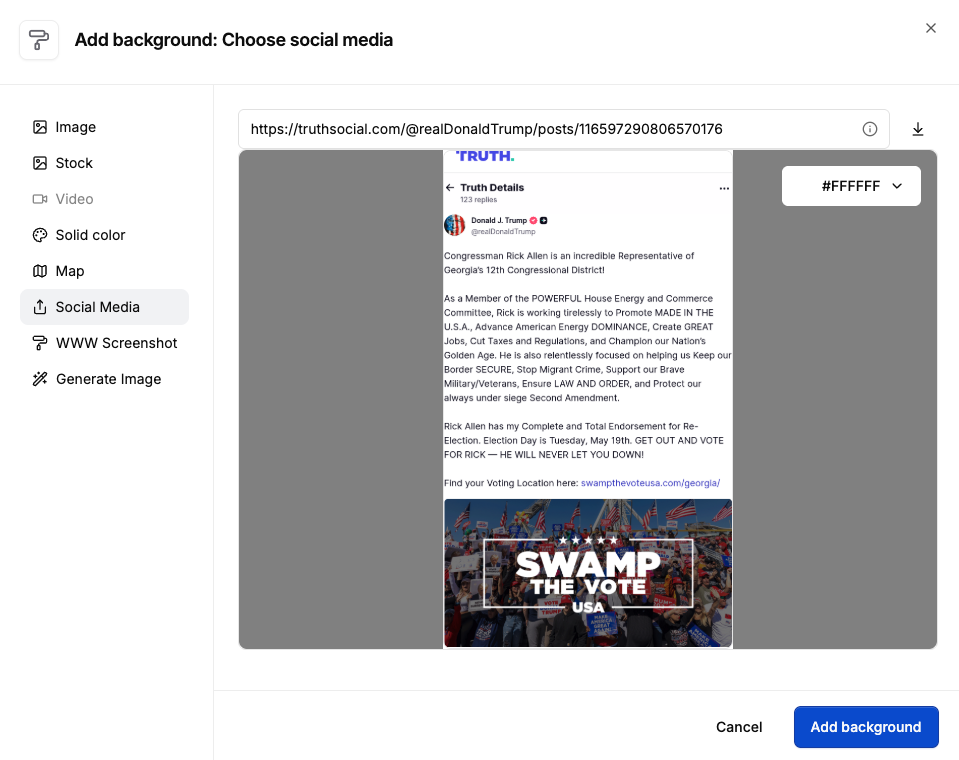
Flipatic already supports embedding social posts from platforms such as Facebook, X, Instagram and LinkedIn.
With this release, we have added support for Truth Social posts as well.
Editors can now use Truth Social posts as visual backgrounds in videos, just like they do with posts from other social platforms.
A release focused on newsroom usability
This update is not about one big feature. It is about a set of practical improvements that make Flipatic fit better into real newsroom work.
Easier access through Microsoft and Google accounts. More visual flexibility with multiple templates and overlay colours. Faster editorial decisions with grayscale filtering. Better teaser editing. More reliable pronunciation. Wider support for social embeds.
Each of these changes came from real production needs, and together they make Flipatic more flexible for publishers creating short-form news video at scale.